Blog · Guide
Move your iCal polling to YourCals without rewriting your sync logic
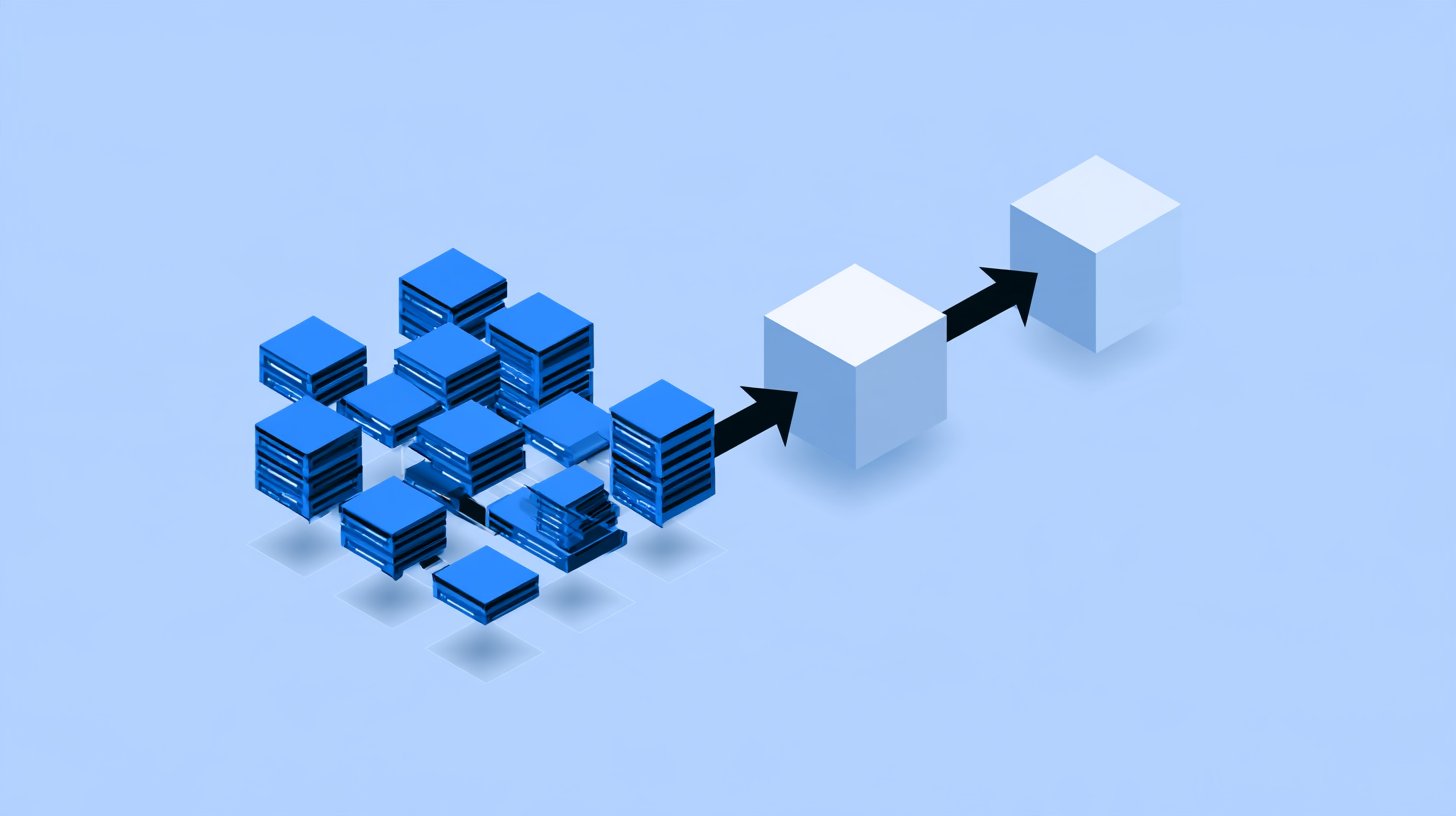
You keep the business code you trust. We take over the fetching, the retries and the diffing. Your server wakes up only when a calendar actually changes — and you can migrate one property at a time.
- ~3 steps
- register, endpoint, cron guard
- 0 big-bang
- migrate property by property
- 1 flag
- is also your rollback switch
- Any stack
- Node.js · Go · PHP · other
What changes in your architecture
Today your workers ask every provider “anything new?” all day long. With YourCals that question is ours — you only receive the answer.
Three changes in your codebase
Each step is small, independent and reversible.
Register the feeds
When a property connects an iCal URL, call YourCals once and store the returned feed_id on the property. Backfill existing ones with a one-off script — up to 1,000 calendars per call.
Add a webhook endpoint
Verify the HMAC signature, find the property by the external_id you sent at registration, and call the same handler your cron already uses — now fed with ready-made changes.
Guard the cron
Add one condition: if the property has a yourcals_feed_id, the cron skips it. Everything else keeps working exactly as before.
Pick your stack
Same three steps, in the language you already run. Pseudocode is there if yours is not listed.
// Call once when a property connects an iCal URL, and once per existing
// property when you backfill. Up to 1,000 calendars go in one call.
const BASE = process.env.YOURCALS_API ?? "https://app.yourcals.com/v1";

async function connectToYourCals(property) {
  const res = await fetch(
    `${BASE}/projects/${process.env.YOURCALS_PROJECT_ID}/icals/batch`,
    {
      method: "POST",
      headers: {
        // <client_id>:<client_secret>, both from Project -> Settings in the panel
        "X-API-Key": `${process.env.YOURCALS_CLIENT_ID}:${process.env.YOURCALS_CLIENT_SECRET}`,
        "Content-Type": "application/json",
      },
      body: JSON.stringify({
        icals: [
          {
            external_id: String(property.id), // comes back in every webhook
            url: property.icalUrl,
          },
        ],
      }),
    },
  );
  if (!res.ok) throw new Error(`YourCals responded ${res.status}`);

  // Partial success is the contract: one bad URL does not reject the batch.
  const { registered, rejected } = await res.json();
  if (rejected.length > 0) {
    throw new Error(`${rejected[0].external_id}: ${rejected[0].error}`);
  }

  // THIS is the flag that tells your cron to skip the property.
  await db.properties.update(property.id, {
    yourcalsFeedId: registered[0].feed_id,
  });
}
Run this when a property connects its iCal URL, plus once per existing property as a backfill. The response is per calendar — check both lists — and the feed_id it returns is your migration flag.
Two things come from the panel before any of this runs: the project's client id and secret, and its callback URL — one endpoint for the whole project, not one per calendar. Deltas need the project in content mode; in notify_only the payload says only that something changed. The full contract is in the API reference.
Migrate gradually, roll back instantly
The yourcals_feed_id column is both the migration marker and the kill switch.
Phase 0 · day 1
Shadow mode
Register feeds, log incoming deltas, compare them with what your cron finds. The webhook handler does not write yet.
Phase 1 · week 1
Canary
Enable the guard for a handful of properties, or one customer. Cron skips them; webhooks do the work.
Phase 2 · week 2
Gradual cutover
Raise the share: 10% → 50% → 100%. Watch the error rate and delivery latency on your side and in the YourCals dashboard.
Phase 3 · after
Clean up
Remove the per-minute polling code. Optionally keep a slow nightly reconciliation job as a safety net.
yourcals_feed_id back to NULL — your cron picks it up on the very next tick. No deploy needed.What protects your data during migration
Signed & replay-proof
HMAC-SHA256 over the timestamp and the raw body. Reject anything older than five minutes.
Provider down ≠ empty calendar
A failed or empty response is treated as missing data, never as “all bookings deleted”.
Retries with backoff
Failed deliveries are retried. Make your handler idempotent and a repeat is harmless.
Your migration checklist
Ready to stop polling?
Free for your first 300 feeds, no card required. Start with one property and keep the cron running.
Still deciding whether to build it yourself? Compare in-house development with YourCals.